Separate profiles
Keep cookies and site data separate. Choose a language, time zone and screen settings for each profile.
 MultiSpaceBrowser / BetaDownload
 FREE BETA · WINDOWS X64
Create separate profiles, set up proxies and keep your sessions organised. A clear interface with the settings you need, without an account.
Search, launch and manage profiles from a single window.
MultiSpace Browser
Dark theme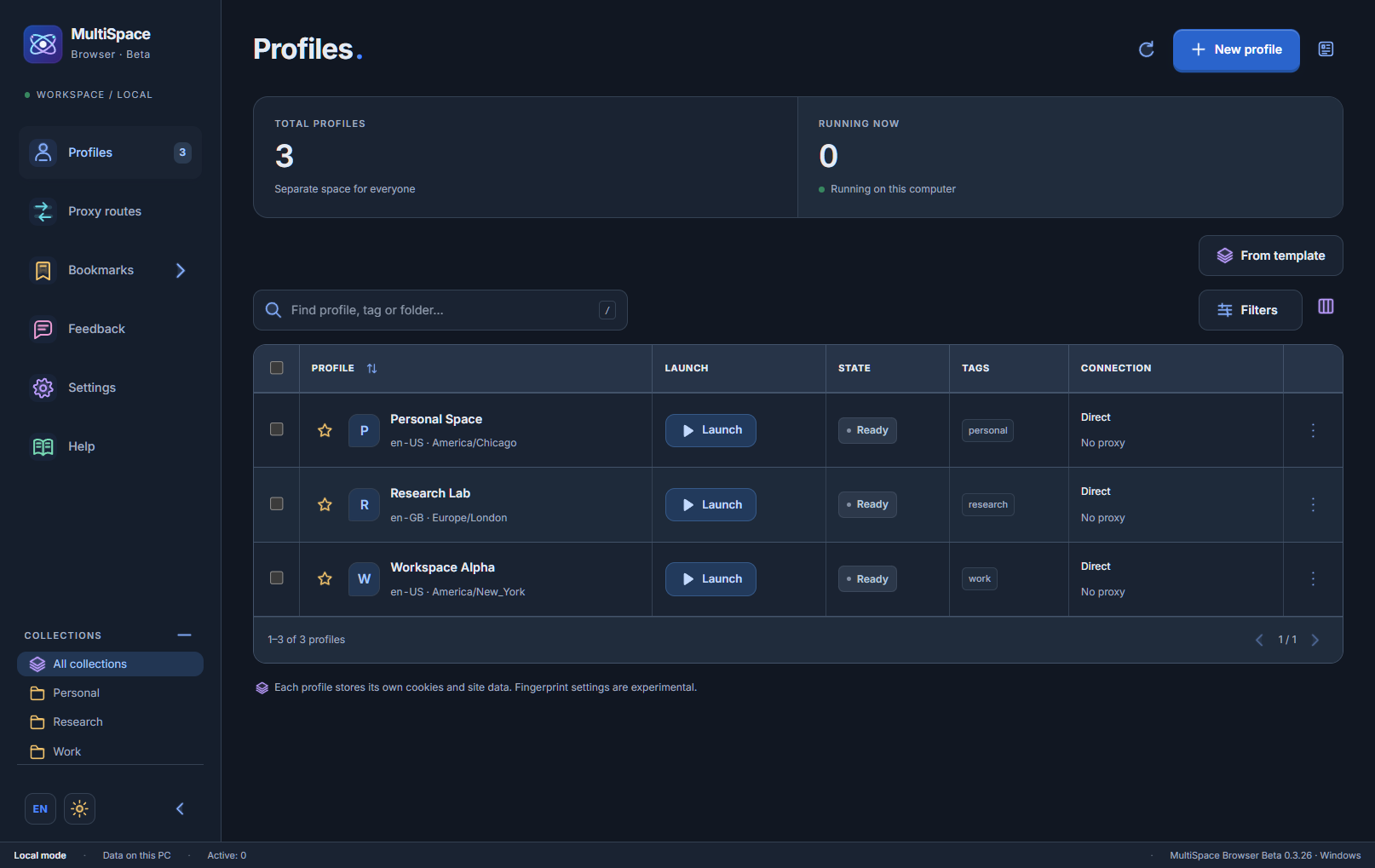
Keep cookies and site data separate. Choose a language, time zone and screen settings for each profile.
Configure the server, protocol and credentials. Check the proxy connection directly from the profile list.
Save a password-protected backup. Full cookie restoration requires the same Windows user account.
Find profiles with search, pin favourites, reuse templates and open saved bookmarks. Adjust the theme and interface scale.
Free Beta for Windows x64. No account required.
This build supports up to five profiles.
Hosted on GitHub · Approximately 2 GB. Back up important profile data before updating. Automatic updates are not enabled yet.
On your PC. This version does not require an account or upload profiles and sessions to an authentication server.
A SOCKS5 provider with UDP ASSOCIATE support. A successful proxy DNS test does not guarantee access to every STUN server. Check your provider separately.
This build supports up to five profiles. Bugs and limitations are possible. Fingerprint settings are experimental and do not guarantee passing third-party anti-fraud checks.
No. GitHub hosts the executable and checksums. Automatically generated repository archives contain the README, not the application source code.
Use GitHub Issues for feedback. Do not attach passwords, cookies or private profile data to public reports.
MultiSpace is free to download. Optional donations are planned; a payment service has not been connected yet.